Sizing a server for GLM-4.7-Flash: what 10 to 30 people need
· By Bee Flow · 6 min read
Z.ai published GLM-4.7-Flash on 19 January, a 30B mixture-of-experts model with about 3B active parameters. What it needs in VRAM per quantisation, why the number of people asking at once decides the hardware, and when CPU-only will do.
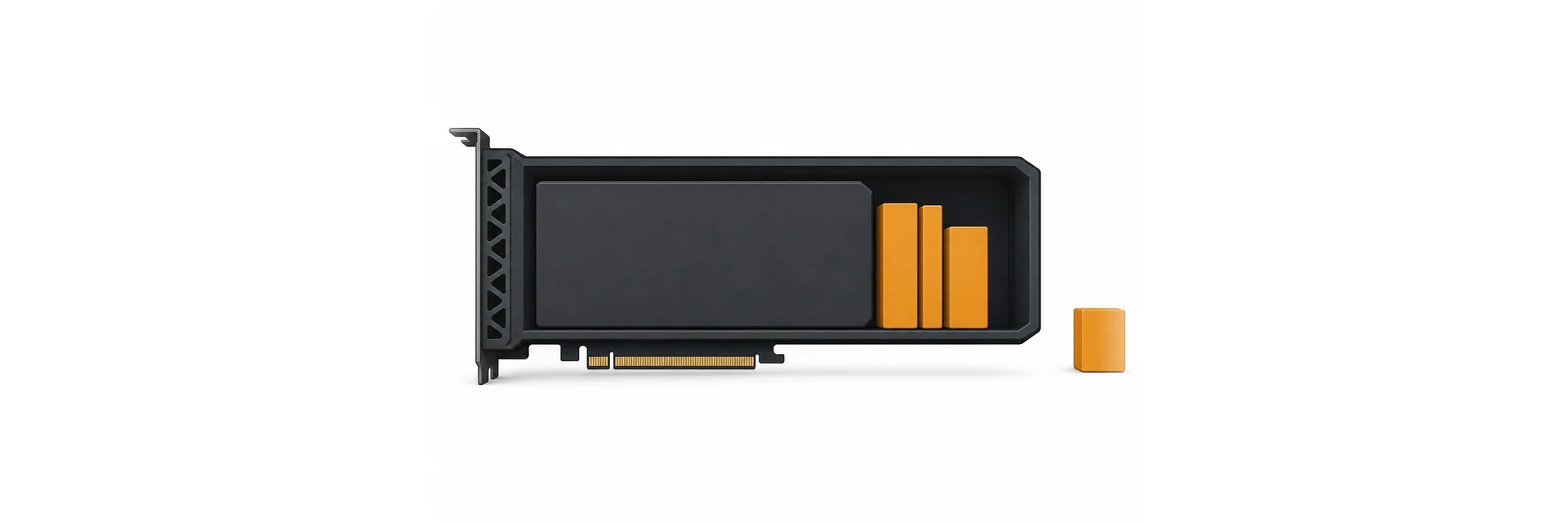
On 19 January Z.ai put the weights of GLM-4.7-Flash on Hugging Face under the MIT licence. The model card calls it "a 30B-A3B MoE model": about 30 billion parameters in total, of which roughly 3 billion are used for each token. The release notes of Ollama 0.14.3 list it, and llama.cpp merged conversion support the same day the weights appeared.
A quantised model of this size fits on one GPU, and its card puts its benchmark results next to the models it compares itself with. That leaves a practical question for an IT lead: what do I buy for twenty people? This post works that out from the model card and the runtime documentation, and says where the documentation stops and your own measurement has to start.
What has to fit in memory
Three things share the GPU: the weights, the KV cache (the working memory of every conversation, holding everything the model has read so far), and the runtime's own buffers.
The weights are the easy part. Ollama's library page lists the size per quantisation:
| Ollama tag | Size |
|---|---|
| q4_K_M (the default) | 19 GB |
| q8_0 | 32 GB |
| bf16 | 60 GB |
The bf16 size matches the 31.2 billion parameters Hugging Face reports for the BF16 weights. The vLLM and SGLang examples in the model card serve those full-precision weights with a tensor-parallel size of 4, spread over four GPUs. For an office the 4-bit and 8-bit builds are the realistic ones.
Being a mixture of experts does not shrink any of this. Only about 3B parameters are active per token, but which ones changes from token to token, so all 30B have to be loaded. MoE saves compute per token. The memory bill is that of a 30B model.
The KV cache is where sizing usually goes wrong. The model's config allows a context of 202,752 tokens, and Ollama lists 198K. Nobody needs that per person, and you pay for whatever you configure. Ollama's FAQ for this release says the default context is 4,096 tokens, changed with OLLAMA_CONTEXT_LENGTH or num_ctx. It also says what happens with several users at once: "Parallel request processing for a given model results in increasing the context size by the number of parallel requests. For example, a 2K context with 4 parallel requests will result in an 8K context and additional memory allocation."
So the sum for one card is the weights, plus the context per request times the number of parallel requests, plus overhead. With the 19 GB q4_K_M on a 24 GB card, the few gigabytes left over are your whole budget for context and concurrency. The 32 GB q8_0 means a 48 GB card or two cards. The same FAQ offers a lever: with flash attention on (OLLAMA_FLASH_ATTENTION=1), setting OLLAMA_KV_CACHE_TYPE=q8_0 uses "approximately 1/2 the memory of f16" with "a very small loss in precision", and q4_0 about a quarter, with a loss "that may be more noticeable at higher context sizes".
We give no per-token cache figure here. It depends on the runtime, the cache type and how the runtime handles this model's attention layers, and runtime support for the model is only days old. Measure it instead: load the model with the context and parallel setting you intend to use and run ollama ps. The FAQ explains the PROCESSOR column. 100% GPU is what you want. A split such as 48%/52% CPU/GPU means part of the model went to system memory.
Concurrency decides the hardware
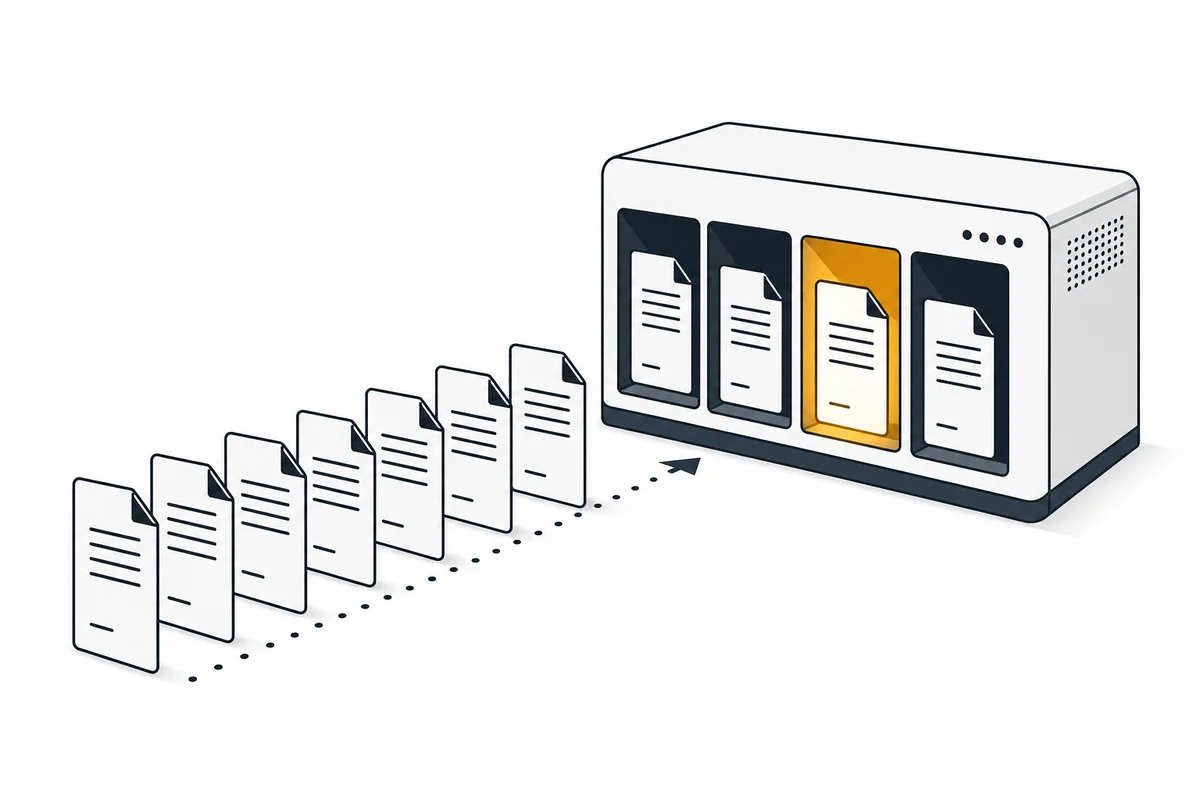
A tokens-per-second figure for one user says little about twenty colleagues. What matters is how many requests arrive in the same few seconds, and what the runtime does with them.
Ollama handles this with two settings from the same FAQ. OLLAMA_NUM_PARALLEL is the number of requests one model processes at the same time, and by default it "will auto-select either 4 or 1 based on available memory". OLLAMA_MAX_QUEUE is 512 by default, after which the server answers with a 503. Requests above the parallel limit wait their turn. For a team that mostly asks short questions, that queue is invisible. When five people paste a long contract at nine in the morning, the queue is what they notice, well before generation speed.
vLLM is built for this case. Its README lists PagedAttention for managing the KV cache and continuous batching of incoming requests, so a new request joins a batch that is already running. Its optimisation guide describes the limit: when the KV cache cannot hold all batched requests, vLLM preempts some and recomputes them later, which "can adversely affect end-to-end latency". The remedies it names are a higher gpu_memory_utilization, the share of GPU memory vLLM claims up front, or a lower max_num_seqs. The llama.cpp server works with a fixed number of slots: -np sets them, -c sets the context, and continuous batching is on by default (server documentation).
Our rule of thumb for 10 to 30 people: decide how many requests you want to serve at the same time without a queue, and at what context length, and buy memory for that. A card that only just fits the weights serves one person well and a team badly.
One note from the model card itself: at release, "vLLM and SGLang only support GLM-4.7-Flash on their main branches", and the card points to nightly builds. For a production server we would wait for a regular release, or start on Ollama or llama.cpp and move to vLLM later.
CPU-only as a fallback
llama.cpp runs on ordinary processors. Its README lists AVX, AVX2, AVX512 and AMX support on x86, integer quantisation from 1.5 to 8 bits, and "CPU+GPU hybrid inference to partially accelerate models larger than the total VRAM capacity". Ollama falls back to system memory in the same way when there is no GPU.
A mixture-of-experts model is the friendliest kind for this, because only about 3B parameters are read per token. The full 19 GB still has to sit in RAM, and every prompt still has to be processed, which is the slow part when people paste long documents. We would use CPU-only for a pilot, for a handful of users, or for background jobs nobody sits waiting for. As the main chat for thirty people we would not. The documentation gives no CPU speed figures for this model, so test on your own machine with your own documents.
What it is good at, and what it is not
The card's benchmarks lean toward reasoning, coding and agent work: 59.2 on SWE-bench Verified and 79.5 on τ²-Bench, against 22.0 and 49.0 for Qwen3-30B-A3B-Thinking-2507 and 34.0 and 47.7 for GPT-OSS-20B. Those are Z.ai's own measurements. Z.ai's API documentation also suggests it for writing, translation and long texts, and lists text as its only input and output.
What the card leaves out matters for a European office. Its metadata lists English and Chinese. It says nothing about Dutch, German or French, so try your own letters and e-mails before you promise anything to colleagues. It does not read images. And a model with 3B active parameters holds far less knowledge than a large hosted model: for questions about your own procedures, give it the documents instead of relying on what it remembers. For hard, open questions we would keep a larger model within reach.
Where Bee Flow fits
Bee Flow is a workspace for chat, knowledge bases and automations that can use a model on your own hardware next to cloud and EU-hosted models. The sizing above stays your call: Bee Flow talks to the runtime you run, such as Ollama, and the prompts for that model go there and stay on your network. Staff work in one interface, and you decide which tasks the local model answers and which go to a larger one. How the server and the runtime fit together is on our deployment page. If you want to think through the sizing for your own team, get in touch.