Where to host a self-hosted AI workspace in Europe
· By Bee Flow · 6 min read
AWS opened its European Sovereign Cloud in January 2026. A plain comparison of the places an AI workspace can run: a European VPS, a hyperscaler region, a sovereign region or your own rack, on operation, GPUs, backups and exit.
On 14 January 2026 AWS opened the first region of its AWS European Sovereign Cloud, in the German state of Brandenburg (AWS News Blog). Amazon calls it "a new, independent cloud for Europe entirely located within the EU", operated by EU residents and governed by a new parent company with three German subsidiaries led by EU citizens (Amazon press release, 15 January 2026). According to AWS it starts with more than 90 services, its own IAM and billing system, prices in euros, and planned sovereign Local Zones in Belgium, the Netherlands and Portugal.
That is one more option on a list that was already long. This piece assumes you have decided to self-host the software. The open question is where the machine stands.
What the host has to carry
A self-hosted AI workspace is mostly ordinary web software. There is an application server, a PostgreSQL database (with the pgvector extension if you want semantic search over your documents), S3-compatible object storage for uploads, and a reverse proxy that terminates TLS. All of that runs on CPU. A small team gets far with four cores and 8 GB of RAM, more if you run a personal-data detector on CPU or index a large document collection.
The language model is what changes the picture. If you call a model over an API, from a US vendor or from a provider that runs open models in an EU data centre, the host needs no GPU at all. If you want the model on your own hardware, you need a graphics card with enough memory for the model you pick. As a rough guide, an 8B model quantised to 4 bits fits on a card with 8 GB, and a 70B model needs 40 GB or more. That one decision splits the hosting options more than anything else.
Four kinds of host
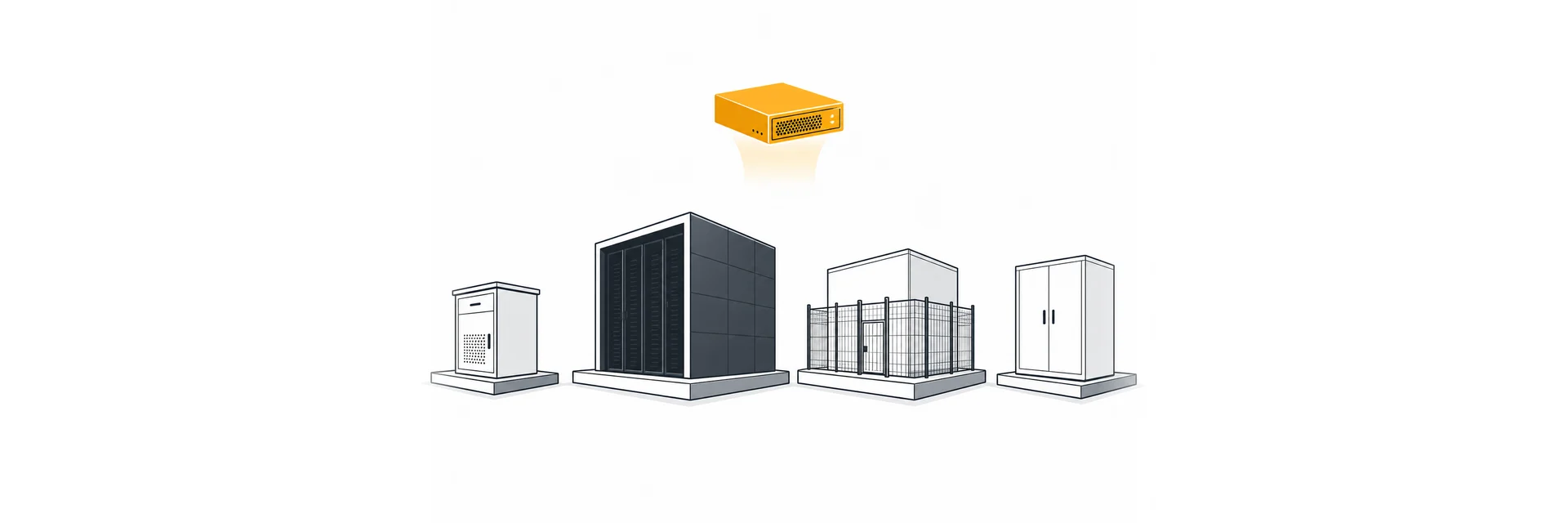
A European VPS or dedicated server is a virtual or physical machine rented from a provider headquartered in the EU. You run the operating system, Docker and everything on top. It is quick to start and easy to leave, because your stack is a set of containers, a database dump and a folder of files.
A hyperscaler's standard EU region (AWS, Azure or Google Cloud in Frankfurt, Amsterdam, Paris and so on) gives you managed Postgres, object storage, GPU instances on demand and a lot of tooling. The parent companies are American.
A hyperscaler's sovereign offering, such as the new AWS European Sovereign Cloud, keeps the same kind of APIs but puts operations, the legal entity and the control plane inside the EU. AWS describes it as a separate partition: an account belongs to one partition and the region has its own console (AWS News Blog).
Your own hardware sits in the office server room or in a rented rack at a colocation provider. Nobody else operates it. You also replace the failed disk.
The comparison
| European VPS or dedicated | Hyperscaler, EU region | Hyperscaler, sovereign region | Own hardware (office or colo) | |
|---|---|---|---|---|
| Who operates it | Provider runs hardware and network, you run the OS and up | Provider runs everything below the services you choose | Same split, with operations by EU residents according to the provider | You, the colo supplies power, cooling and network |
| Parent company | EU-based | US-based, with EU subsidiaries | EU legal entities within a US group | Your own company |
| GPU for a local model | Varies, some providers rent GPU servers and many do not | Usually on demand, subject to quota | Check the service and instance list of the region | You buy the card once and own it |
| Backups | Snapshots if offered, plus your own off-site copy | Managed snapshots and copies to another region | Check which managed options the region lists | Entirely your job, including the off-site copy |
| Exit | Simple: containers, dump, files | Simple if you avoided services only that provider has | As the EU region, and a separate partition means moving in is a migration too | You keep the hardware, the data moves by copy |
Where the company at the top of a provider's group is based matters, because its home country can have laws that reach data the group controls abroad: the US Department of Justice describes the CLOUD Act as a way "to speed access to electronic information held by U.S.-based global providers" (DOJ). How that works out for a European subsidiary or a sovereign construction is a question for your lawyer, and this article is not legal advice.
Decide the GPU question first
Most of the cost and lock-in follows from one question: will you run the model yourself? If the team uses models over an API, every column in the table works. If you need a local model, for instance because certain documents may not go to any outside service, the field narrows to a provider that rents GPU servers, a hyperscaler, or a card in your own rack.
Our advice is to start with a CPU host and a model over an API, watch for a few weeks what people actually do with it, and only then decide on a GPU. A card that turns out to be too small for the model you want, or idle most of the day, is an expensive lesson.
Backups that survive the host
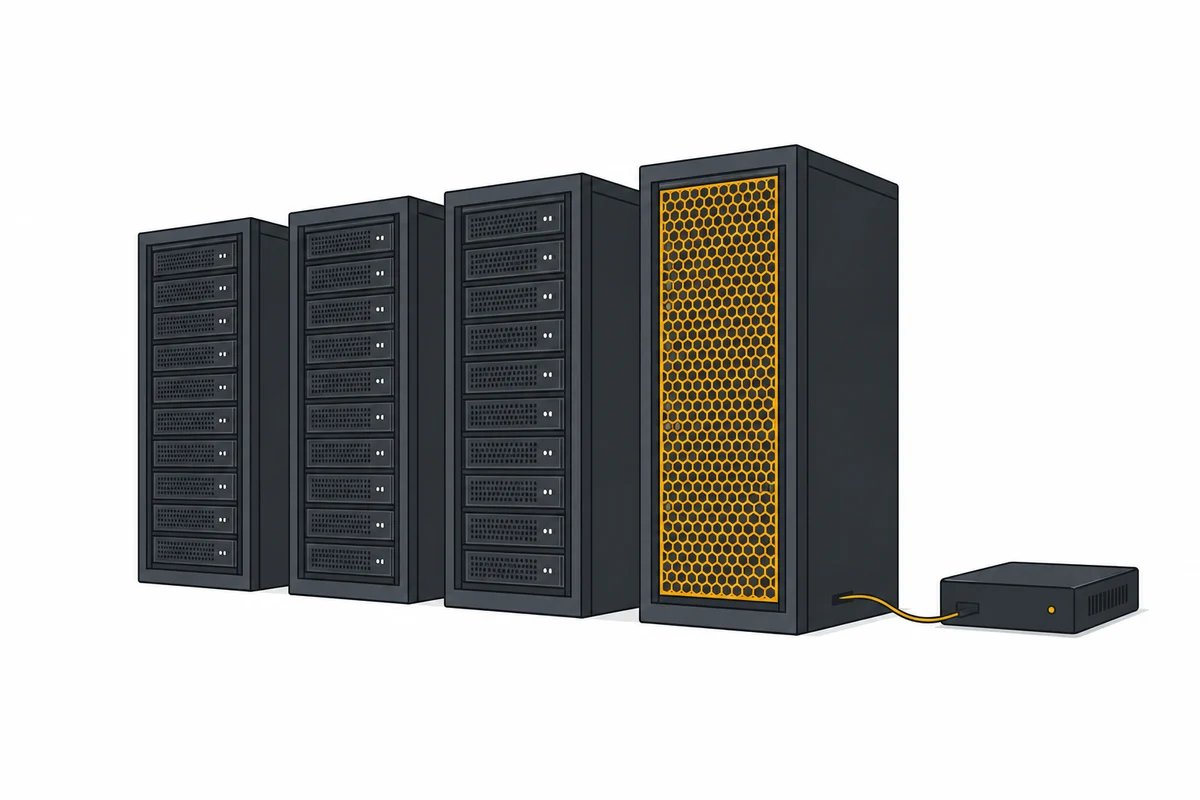
Whatever the host, three things need a copy: the database, the object storage with uploaded files, and the configuration with its secrets. A snapshot at the same provider protects you against a broken disk, not against losing the account or the provider. Put an encrypted copy somewhere else, at a second provider or on a machine in the office, and restore it once a quarter to a test machine. A backup that was never restored is a guess.
With your own hardware the off-site copy is not optional. A fire or a theft in the office takes the server and the backup disk next to it at the same time.
Plan the exit on day one
Exit is cheapest when it is designed in at the start. Keep the stack in containers, use plain PostgreSQL and an S3-compatible object store, and keep the deploy files in version control. Then a move to another host is a dump, a copy of the files, a restore and a DNS change. Each managed service that exists at only one provider adds a piece of migration work later. That can be a fine trade, as long as it is a choice and not an accident.
For teams that are new to running servers, a European VPS or dedicated server with a model over an API is the usual starting point. Own hardware makes sense when there is already a server room and someone who looks after it. A hyperscaler region, standard or sovereign, fits best where the company already runs other workloads there and has the skills in house.
Running Bee Flow on any of these
Bee Flow is a self-hosted AI workspace that runs as Docker containers on a Linux host you choose, so each of the four kinds of host above can carry it. The workspace itself runs on CPU with a PostgreSQL database and object storage, and you choose the model: a cloud API, a provider in an EU data centre, or a model on your own GPU. Because the data sits in a standard database and object store, moving to another host follows the dump, copy and restore route described above. The deployment page sets out self-hosting next to a hosted EU instance. If you want to talk through which host fits your team, get in touch.