Transcribing meetings without sending the audio out of the building
· By Bee Flow · 6 min read
Cohere released an open speech recognition model with Dutch support on 26 March. What transcribing on your own hardware needs, what to tell the people in the room, how long to keep the audio and what the summary step adds.
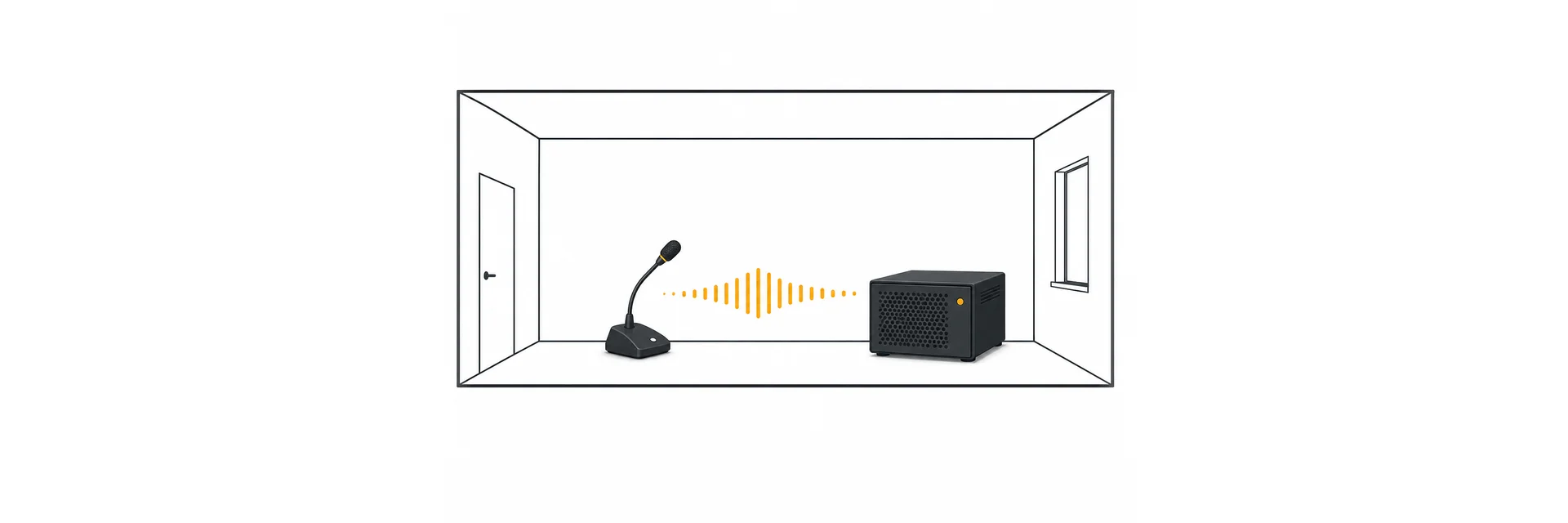
On 26 March 2026 Cohere released a speech recognition model that anyone may run themselves: Cohere Transcribe, 2 billion parameters, under the Apache 2.0 licence, with Dutch among its fourteen languages. That adds another open model, next to OpenAI's Whisper, for writing out a recording on a computer you own.
For an office with a weekly team meeting this is more than a technical detail. A meeting recording is often one of the most personal files a company has. It holds voices, opinions about clients, sometimes a remark about a colleague's health. Send it to an online service to have it transcribed and all of that goes along. Transcribe it on your own server and it stays inside.
Two steps, two choices
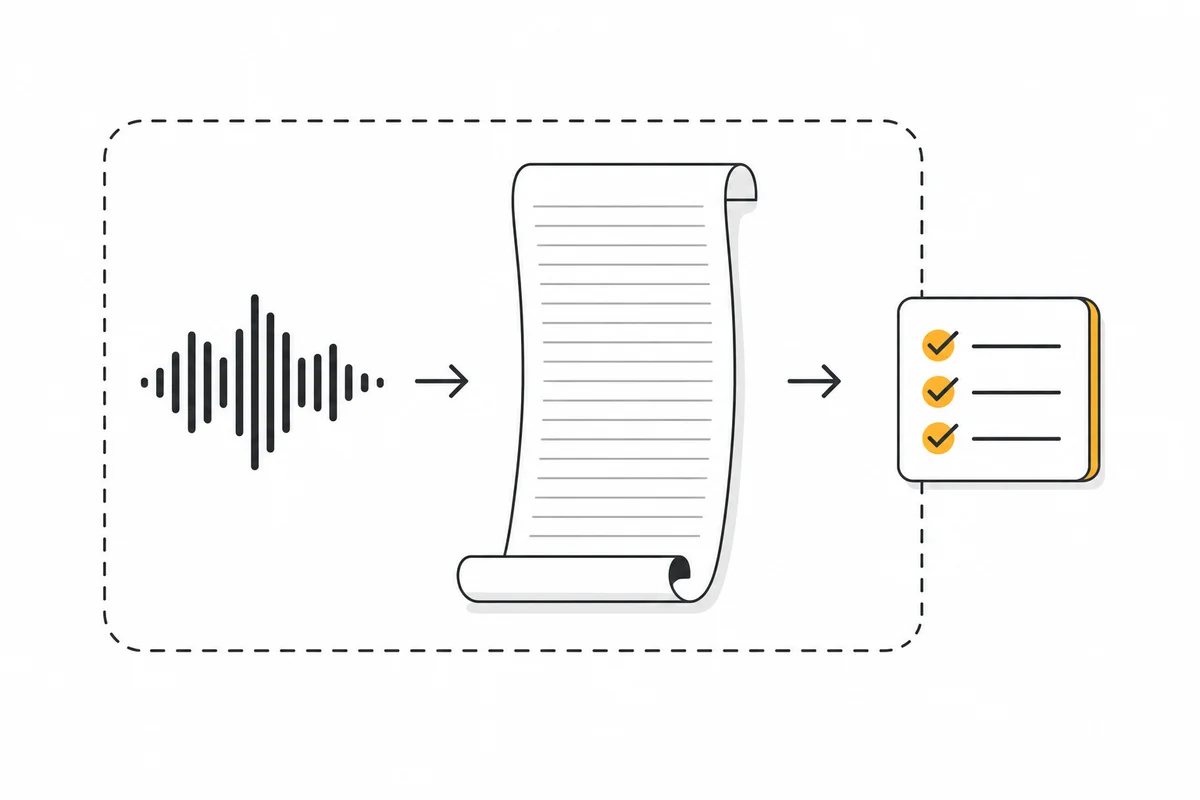
Getting from recording to minutes takes two steps. First speech becomes text, then a language model turns that text into a summary. Each step can run in-house or at an outside service, and the two choices do not have to match.
Keep that distinction in mind when you talk it over with your IT-minded colleague. A local speech model only covers the first step. If the transcript then goes to a language model in the cloud, the content still leaves the building, only now as text.
What local transcription asks of your hardware
Whisper's documentation gives a rough figure for graphics card memory per model size: about 2 GB for small, 5 GB for medium, 6 GB for turbo and 10 GB for large (Whisper README). The same page adds that real-world speed can vary a great deal.
The Cohere Transcribe model card names no minimum hardware. It does show how to run the model with the Transformers library and with vLLM, a server meant for production use. Our own arithmetic: 2 billion parameters at 16-bit precision come to about 4 GB of weights, so a graphics card with 8 GB looks like a sensible place to start to us. That is our estimate, not the maker's.
It also works without a graphics card. WhisperX, a widely used wrapper around Whisper, describes how to run it on the processor. That works, but expect to wait. For one meeting a week that is fine. For ten calls a day it is not.
Our advice for the IT colleague: take three real recordings from your own meeting room, with your own microphone and the usual background noise, and see how long transcription takes and how much you have to correct. That tells you more than any leaderboard.
Dutch, according to the makers
Both models list Dutch. Whisper has it in its list of languages, and its documentation warns that quality varies widely by language. Cohere puts Dutch among its fourteen supported languages and writes that in the thirteen languages besides English the model matches or beats the best open model on the benchmarks Cohere tracks (announcement). Those are the maker's own figures.
Cohere's model card also names a few limits that matter for meetings:
- You set the language beforehand. The model does not detect it and is inconsistent on audio that switches between languages. A meeting in Dutch full of English jargon is something to test.
- It gives no timestamps and does not split the conversation by speaker. For minutes that say who said what, you need an extra step.
- It also transcribes sounds that are not speech, which can lead to invented text. Cohere recommends putting a step in front that filters out silence and noise.
That last point weighs heavily in meetings. A meeting has pauses, chairs scraping and someone fetching coffee. WhisperX splits a conversation by speaker with a separate model from pyannote, for which you need a free Hugging Face account. WhisperX is candid about how well that works: diarization is "far from perfect", and people talking over each other goes badly.
What to tell the people in the meeting
Recording a meeting means processing personal data. The GDPR says that when you collect it, you tell people a number of things, among them who receives the data, whether it goes to a country outside the EU and how long you keep it (Article 13 GDPR). In the Netherlands the GDPR is called the AVG.
Local transcription makes that explanation a lot shorter. You can say: "We are recording this for the minutes. The audio stays on our own server, goes to no other company, and we delete it once the minutes are approved." Put the same sentence in the invitation, so nobody hears about the recording only when it starts. When outside guests join, ask at the start whether everyone agrees, and decide beforehand what you do if someone says no.
Write those agreements down once, for example in a one-page AI policy, so nobody has to work out what is allowed meeting by meeting.
This post is not legal advice. When in doubt, ask your privacy officer.
How long to keep the audio
The GDPR says personal data should not be kept longer than necessary for the purpose it is processed for (Article 5(1)(e) GDPR). It sets no fixed period for meeting recordings. You choose one yourself, and you should be able to explain it.
Our suggestion: treat the audio as raw material. You need it until the transcript and the minutes have been checked. After that it has done its job. A week is plenty for most teams. Keep the minutes as long as your other meeting papers.
Two things are easy to forget. The full transcript holds the same personal data as the audio, so it deserves a retention period too. And a recording you delete from the server may sit in a backup for weeks. Ask your IT colleague how far back the backups go, and give that period honestly when someone asks.
What a summary adds
An hour of meeting quickly produces more text than anyone wants to read. The transcript is the raw material. The summary is what turns it into minutes: what was decided, who will do what, and by when. That is where the time is saved.
This step is also where you choose again where the work happens. A language model on your own hardware asks more than a speech model does, see our post on sizing a server. A model at a European provider is a middle road: the audio stays in-house, and the text goes to a company you have a data processing agreement with.
Always read the summary before sending it round. A language model can credit a decision to the wrong person, or read a "maybe" as a "yes". With the transcript next to it, that takes a few minutes to check.
How Bee Flow helps
Bee Flow turns a recording into minutes with a summary and action items, and the transcription can run on your own server with WhisperX, so the audio does not have to go to an outside service. There is also a built-in engine that needs no extra service: a small Whisper model that runs on the processor and is capped at about ten minutes per recording by default. For whole meetings on your own hardware you need WhisperX on a capable server. You can record or upload, or import a recording from Microsoft Teams, Google Meet or Nextcloud Talk afterwards. Meeting notes are part of the Pro licence. The summary is written by the language model your organisation chose, and Bee Flow itself can run on your own server too. You can read how that looks on meeting notes and your own server or Bee Flow Cloud. If you want to try it with a recording of your own meeting, get in touch.