Answering customer e-mail with AI: the draft is written for you, a person sends it
· By Bee Flow · 5 min read
AI can write the draft of a reply while a colleague reads and sends it. Which e-mails never get an automatic draft, how to keep the tone your own, and what the European Commission's draft guidelines of 8 May say about staff who use AI assistance.

On 8 May 2026 the European Commission published draft guidelines on the transparency obligations of the AI Act. According to the Commission's announcement, people in the EU will have to be informed from 2 August 2026 when they interact with an AI system, and stakeholders can comment on the draft until 3 June.
One passage matters to anyone who runs a customer service mailbox. In the guidelines, the duty to tell people they are dealing with AI covers direct interaction, and that explicitly leaves out the case where "customer service representatives use AI assistance tools to help them communicate with natural persons" (paragraph 27). If AI writes a draft and an employee reads and sends it, the Commission places that outside this disclosure duty. A system that writes and sends e-mails by itself can fall inside it: the guidelines give an AI label at the top of an e-mail sent by an AI agent as one way to inform people (paragraph 33). Business correspondence with one customer is also not "published" text in the guidelines, which has rules of its own (paragraph 123).
This is not legal advice, and the final guidelines may differ. We think it is a good moment to turn the question around, though. If the rules treat a draft that a person sends differently, how do you make sure that person actually reads it?
The draft is ready, a person sends it
Take De Pollepel, a made-up kitchenware shop with a webshop and five staff. On an ordinary day forty e-mails come in: where is my parcel, does this lid fit that pan, can I still exchange this. Linda answers them between customers in the shop.
With an AI draft her work moves from writing to reading and correcting. For the questions that come back every week, that saves a lot. The risk is speed. After the twentieth good draft you click send a little faster.
So agree on two things. A draft never states a fact it cannot see, such as a delivery date, stock or a refund. Where such a fact belongs, it leaves a clearly marked gap that the employee fills in. And whoever sends the reply stands behind it, as if they had typed every word.
In another context, published text, the guidelines say that a cursory approval without substantive engagement does not count as human review (section 6.2.3). For your mailbox that is not a legal test. It is a good yardstick all the same.
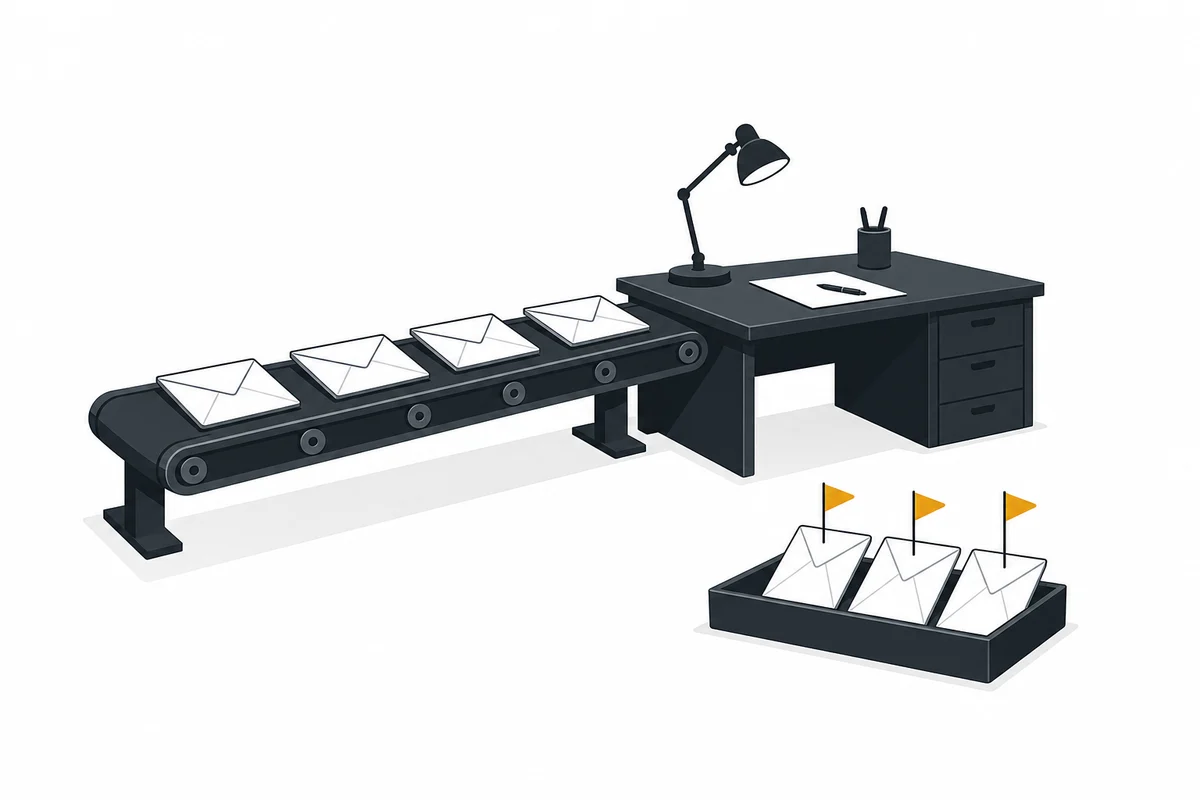
E-mails that never get an automatic draft
Some messages are better answered from a blank screen. At De Pollepel this list is part of their one-page AI policy:
- complaints, even polite ones
- anything that mentions a lawyer, a formal notice of default, the disputes committee or a court
- messages about health, such as an allergic reaction or a cut from a new knife
- money trouble: a customer who cannot pay, asks for a payment plan or writes about debts
- requests to see or delete personal data
- a death, or an order in the name of someone who has died
Each line has its own reason. A customer who complains reads every word for tone, and an AI draft easily sounds like a form letter. With a legal threat, every phrase counts. On health and money a smooth answer can hurt, and that information is better not sent to a language model at all. Have such e-mails recognised and flagged for a colleague, and skip the draft.
Your own tone, from a handful of examples
Left to itself, a language model writes politely and at length. "We are so sorry to hear that your experience did not meet your expectations." Nobody at De Pollepel talks like that.
Examples help most here. Pick fifteen to twenty replies you actually sent and were happy with. Include the dull ones, like the question about a tracking code, and a few hard ones, like the late exchange you said yes to anyway. Add a few lines on how you write: formal or informal, how long, signing with your own first name, and which phrases never go in an e-mail.
After a month, look at what happens to the drafts. If Linda rewrites more than half of the text in half of the e-mails, the draft saves no time and the examples need work. If she hardly changes anything any more, read the sent e-mails for a week. Maybe the drafts are good. Maybe she has stopped reading.
What to tell your customers
Under the draft guidelines, an e-mail that an employee sends needs no AI label. We would still not keep it quiet. One sentence on the contact page is enough: "We use AI to write draft replies. Every reply is read by one of us and sent under our own name." A customer who asks gets a straight answer.
Look at your privacy statement too. If the content of customer e-mails goes to an AI service, that service processes personal data for you and belongs among the parties your statement names.
The Dutch regulators are looking at the subject as well. The ACM (the consumer and competition authority) and the Autoriteit Persoonsgegevens (the Dutch data protection authority) are asking for input until 17 May for a guideline on chatbots in customer service, covering among other things transparency, the role of human contact and the handling of personal data. That guideline is meant for chatbots. A company that has already written down a few sentences on AI in its customer contact can lay the guideline next to its own policy calmly when it comes.
How this works in Bee Flow
In Bee Flow you ask the chat for a reply to an e-mail from Gmail or Outlook, and you see the draft first, with the choice to send it, save it as a draft in your mailbox or discard it. Nothing leaves on its own. Your example replies and writing rules go into a knowledge base or into the instructions of your own agent, so every draft starts in your tone. The Privacy Shield can block or replace names, IBANs and other personal data before a message reaches the language model, and you choose which model does the work, including one that runs in Europe. Read more on the integrations and privacy and security pages, or ask for a demo and try it on your own mailbox. For a shared mailbox full of service requests, see the service inbox, one of the set-ups in automation as a service.