A model per task: what Granite 4.2's three sizes say about splitting office AI work
· By Bee Flow · 6 min read
IBM released Granite 4.2 on 25 August in 3B, 8B and 30B sizes, with all three on the same benchmarks. What that table says about which office tasks a small model can carry, which need a large one, and what splitting them does to waiting time and to the text that leaves the building.
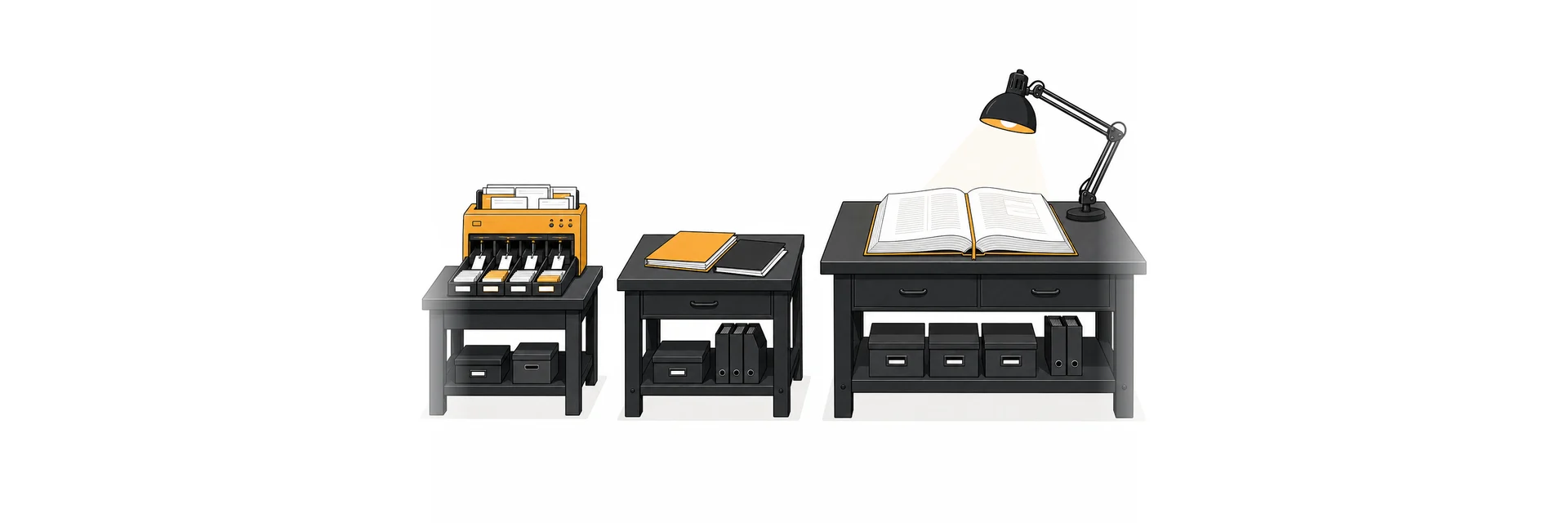
On 25 August 2026 IBM released Granite 4.2, a family of dense reasoning models in 3B, 8B and 30B sizes under the Apache 2.0 licence. IBM lists Hugging Face, Ollama and LM Studio among the places to get them. For anyone who runs AI for an office, the most useful part of the release is a table. The model cards put all three sizes side by side on the same benchmarks, so you can see where a model ten times larger buys you something and where it buys you almost nothing.
That is the question behind a model per task. Most AI work in an office happens around the conversations people have with a chat. Naming a chat, sorting a mail, pulling an order number out of a PDF: hundreds of small jobs a day. Sending all of them to the biggest model you have makes them slow, and if that model runs in the cloud, every one of those texts leaves the building.
What the Granite 4.2 table shows
These are IBM's own numbers from the model card, for the 3B, 8B and 30B models:
| Benchmark | Roughly measures | 3B | 8B | 30B |
|---|---|---|---|---|
| IFBench (prompt) | Following format instructions | 74.33 | 79.33 | 77.17 |
| BFCL v4 | Calling a function correctly | 52.41 | 52.39 | 61.39 |
| τ³-bench (avg) | Agent tasks over many turns and tools | 45.78 | 58.06 | 62.00 |
| RULER 128K | Finding and using facts in a very long input | 55.30 | 71.41 | 81.38 |
Benchmarks are a proxy, and these are reported by the vendor. The pattern is still clear enough to plan with. Following instructions about format hardly changes with size: the 3B model is within five points of the others, and the 30B scores a little below the 8B. On the function-call test, 3B and 8B are level. The two rows that open up are long inputs and multi-step agent work. On RULER at 128K tokens the 3B model falls to 55, while the 30B holds 81.
All three support a 128K context natively, with an extension to 512K, according to the 3B card. A model that accepts a long input does not necessarily use all of it well, and the RULER row is where that shows.
Work a small model handles
The tasks that sit well on a 3B model have four things in common: a short input, a short output, a fixed format and an answer someone can check at a glance. In an office that means:
- a title for a conversation or a document
- sorting a mail or ticket into one of six known categories
- a three-line summary of one mail
- pulling a date, an amount and a customer reference into JSON
The Granite cards describe three modes, set through the chat template: thinking (the default), non-thinking with enable_thinking=False, and a low-effort mode with shorter reasoning chains. For a title or a category we would switch thinking off. Reasoning tokens spent on a four-word answer are waiting time without a gain.
Work that needs a large one
Long documents come first. A 60-page contract or a tender with appendices lands in exactly the range where the small model's RULER score drops. Reasoning across several sources is the second kind, for example checking three quotes against a framework agreement. The third is agent work with many tool calls in a row. Each step builds on the last, so a small error early tends to carry through to the end, and τ³-bench is the row that tests this.
Our own rule of thumb, which is a judgement and not a measurement: anything with more than a handful of tool steps, or more than a few thousand words of input, starts on the large level.
Two or three levels
In practice two or three levels cover an office.
The first is a small model, 3B to 4B, for background work nobody watches: titles, classification, extraction, short summaries. It runs locally, all day, without thinking.
The second is a mid-sized model, around 8B, for everyday chat with tools: drafting a reply, a short question over the knowledge base, a single lookup.
The third handles long documents and hard reasoning. That can be a 30B model on your own GPU, a model at an EU-hosted provider, or a frontier model in the cloud. A common split is a cloud model on this level and the first two at home.
Assign by task, not by person. The colleague who writes the long analysis also triggers twenty titles and classifications a day, and none of those needs the large model.
What it does to waiting time
Splitting work is mostly about queues. A chat title should not wait behind a 40-page analysis on the same GPU. With separate models the small one answers in the background while the large one is busy.
Whether that holds depends on the runtime. The Ollama FAQ documents three defaults that matter here. A model stays in memory for 5 minutes after its last request, changed with OLLAMA_KEEP_ALIVE. Ollama keeps up to three models loaded per GPU (OLLAMA_MAX_LOADED_MODELS, three times the number of GPUs). And when there is not enough VRAM for a model that is asked for, new requests queue until an idle model has been unloaded.
So plan memory for the small and mid models to stay resident together, and raise the keep-alive for them. Otherwise every switch between levels pays for a reload. How much VRAM one model needs is a separate question, which we covered in our post on sizing a server.
What it does to text leaving the building
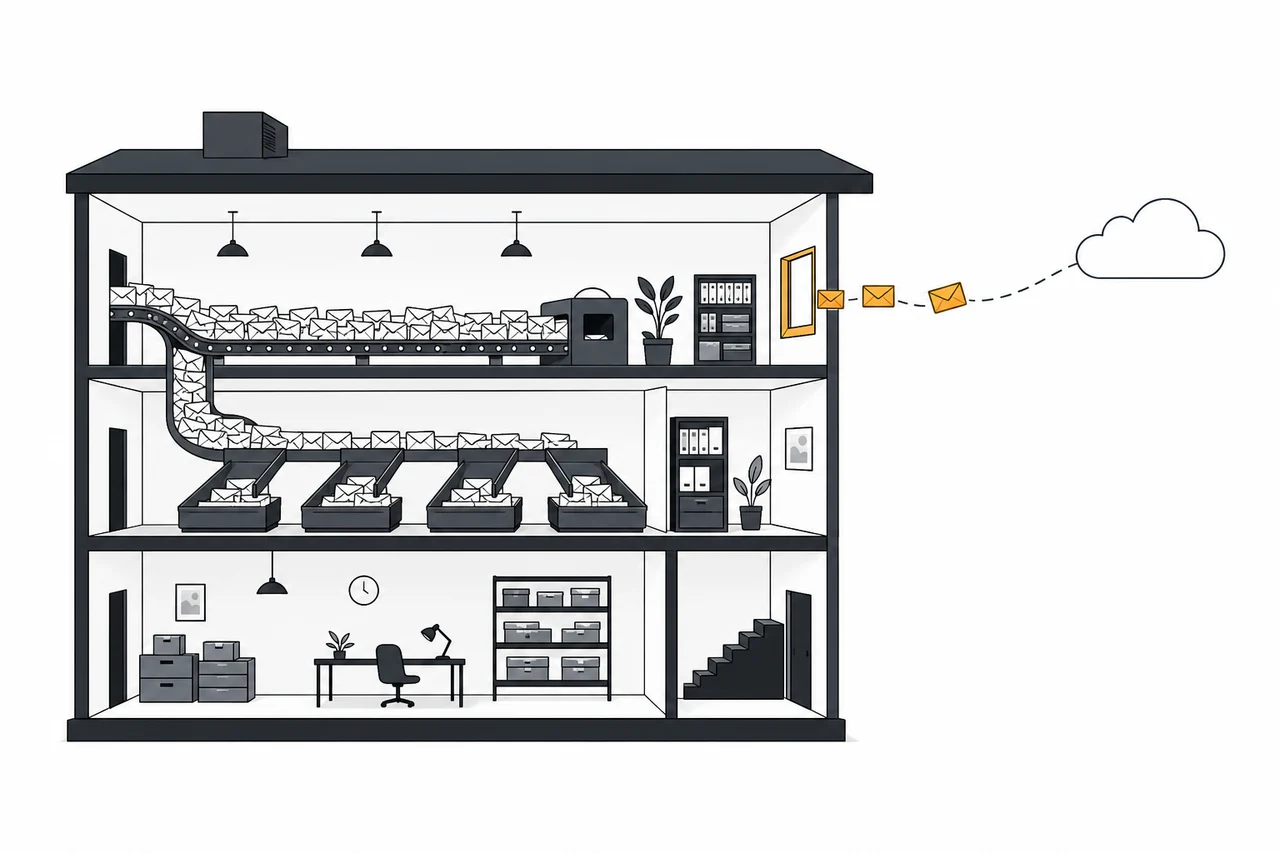
Count calls, not conversations. A made-up example: an office receives 300 mails a day. Each one is classified and has its fields extracted, which is 600 model calls. Perhaps fifteen of those mails turn into a question that needs the large model. If the first two levels run locally and the third is in the cloud, the text that leaves is those fifteen escalations. With everything on one cloud model, all 300 leave, plus every chat title and every summary.
That is the case for putting the small model on your own hardware first. The work with the highest volume is also the most routine, and it touches the most personal data, because it reads every incoming mail.
How Bee Flow assigns models to tasks
Bee Flow works with tiers: Fast, Flow, Thinking and Deep Thinking, each mapped to one model on the Chat Models page of the admin settings. Local runtimes such as Ollama, vLLM and llama.cpp appear in that picker next to cloud and EU-hosted providers, so a local model on Fast and a cloud model on Deep Thinking is one choice per tier. Background jobs such as chat titles, memory extraction and AI field extraction in automations use the Fast tier. An AI step in an automation can name its own tier or stay on auto, where a quick check of the message and then the fast model pick the tier. With EU mode on, a separate set of tier models takes over, and Privacy Shield checks prompts for personal data inside your own installation before they reach a model. The platform page shows how tiers, agents and automations fit together, and with automation as a service we set up the automations and their tiers for you. See the self-hosting and EU cloud options, or ask us how to lay out the tiers for the models you run.