Moving Windmill flows from Nextcloud into Bee Flow: what gets imported and what you check
· By Bee Flow · 6 min read
Bee Flow can now convert Windmill flows into inactive automation drafts. What comes across, what stays behind, how the checklist and the comparison with past runs work, and what to check before you switch anything on.

On 15 November 2026 we released Bee Flow v2026.11.15.2, and with it an importer for flows built in Windmill. It turns Windmill flows into Bee Flow automation drafts, each with a report of what was converted and what is still open. This post is for the Nextcloud administrator who runs Windmill flows today and wants to know, before trying it, what comes across, what stays behind and what to check before anything runs.
Some context first. Nextcloud's automation overview names Windmill as the route for larger workflows, and since Nextcloud 33 the Windmill page of the admin manual has you run it as a stand-alone instance, connected through the integration_windmill app. That is a good setup, and if your flows are happy there, nothing in this post asks you to move them. The importer is for teams that want some of their flows next to their AI agents, knowledge bases and approval steps in Bee Flow. Our overview of AI and automations in Nextcloud puts the routes side by side.
Two ways to bring flows in
The first is an upload. Windmill's CLI pulls a workspace into a folder (wmill sync):
wmill sync pull --include-schedules --include-triggers --skip-resources
Zip the folder and upload it. One flow as JSON or YAML works too. The two include flags matter: without them the export holds no schedules or triggers, and every draft starts as a manual automation until you pick a trigger yourself. The skip flag keeps resource values out of the export, which is what you want anyway.
The second is to let Bee Flow read the Windmill directly. You give the https address, the workspace id and a token. Make that token read only, limited to the one workspace and short-lived. Bee Flow uses it for that one request and never stores it, logs it or shows it back. The Windmill has to be reachable from the Bee Flow server over https on a public address. If it sits on an internal network, use the upload.
Both start in Bee Flow under Studio, Automations, behind the wind icon next to the import button.
The preview writes nothing
Before anything is created, the preview converts every flow and shows, per flow:
- how many steps were converted and how many are left for the AI builder or for you;
- a confidence: high when everything mapped, medium when a script runs as a code step or an id has to be picked again, needs work when there are open items, or not convertible as is;
- the hosts the flow sends data to, so you can check them against your own rules for outbound data;
- the connections you will have to choose;
- the notes to read before switching it on.
Select the flows you want and click Import. Each one becomes its own inactive draft. A flow that cannot be imported is reported, and the rest go on.
What changes on the way
The conversion is deterministic: the same export gives the same drafts, and no language model takes part in it. A few things change by design, and the report says so per flow.
Secrets stay behind. A Windmill resource or variable becomes a connection you pick in Bee Flow, and its value is never read. Code is never run during the import either. A plain TypeScript script may become a code step that later runs in Bee Flow's isolated sandbox. Python, Bash and SQL scripts become checklist items.
Identity is the one to think about. Windmill ran parts of a flow as the Nextcloud user who caused the event, or as an administrator. Bee Flow runs an automation with the connections of its owner, so what it may read and change follows the owner's rights. A flow that quietly relied on admin rights will need a different owner or a narrower job.
Run settings such as concurrency, the time limit and how long run data is kept are copied where Bee Flow has the same setting. The report lists the rest.
The checklist and the AI builder
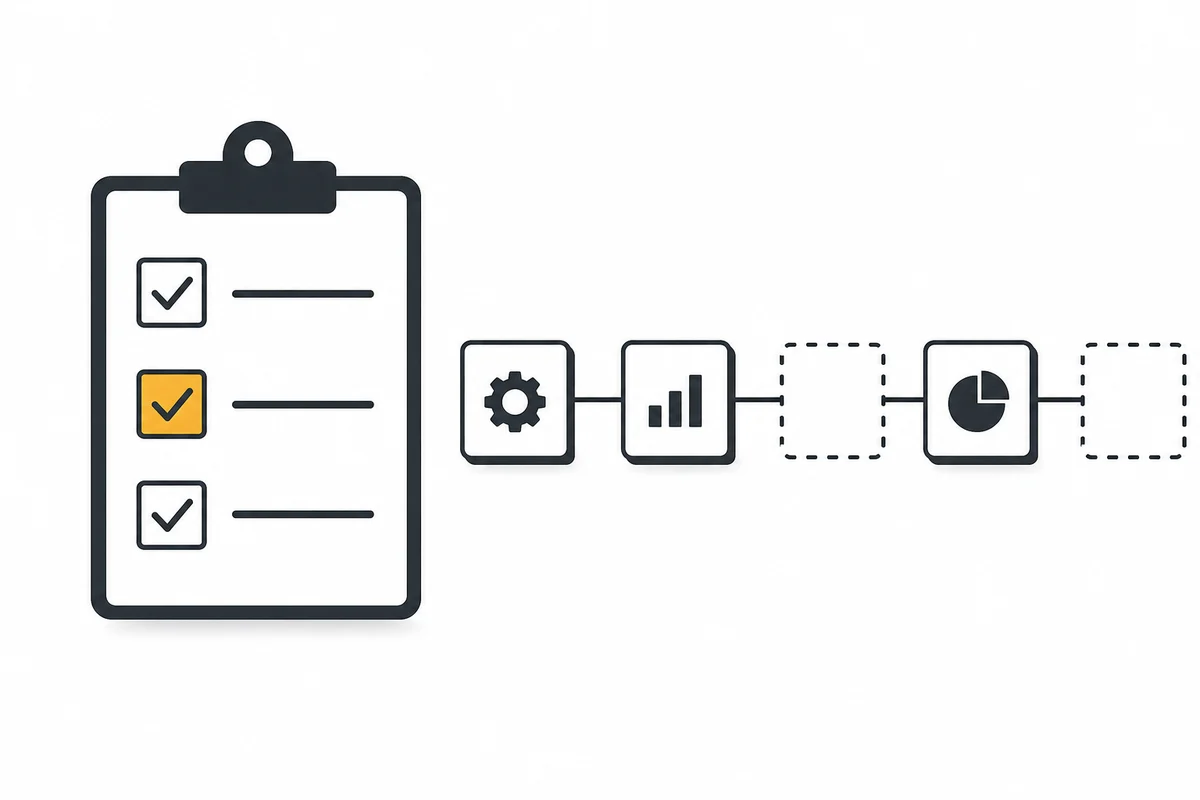
What the converter cannot map, such as a script in a language Bee Flow does not run or a pattern it does not know, gets a placeholder step on the canvas and an item on the checklist. Complete with AI opens the AI automation builder on that draft with a briefing already in the input box: the open items, the read-only source of each with secrets removed, and what to do. You read it and send it yourself.
The briefing goes to your organisation's own AI model, through the builder's usual checks. The builder replaces the placeholders, runs a dry run and finalises the draft. It never switches an automation on.
Compare with the last Windmill runs
When you read from a Windmill directly, the preview can offer to compare with the last five runs of each flow (an administrator can change the number). While the token is still at hand, Bee Flow reads those finished runs, turns each run's input into trigger data for the new draft and gives the draft one dry run per Windmill run. A dry run sends and writes nothing. Reads and AI steps do run for real, so AI steps send that input to your organisation's AI model.
The report then shows, per Windmill run, whether the dry run reached the end, which steps failed with which error code, and which steps return a result with a different shape: field names only, never values. That input is your customers' data, so Bee Flow keeps only the summary and deletes each dry run once it is summarised, unless you tick the option to save the runs as test cases.
Before you switch it on
An imported draft can be switched on only when every checklist item is resolved or marked as handled by you, and a dry run of the current version finished without errors. Any change after that dry run asks for a new one. This holds however the automation is switched on.
Then switch the flow off in Windmill, or every event runs twice. For a Windmill trigger on a Nextcloud event, disable the trigger. Pause the schedules too.
A sensible order for a first try:
- Export one workspace with both include flags.
- Read the preview, especially the outbound hosts and the identity notes.
- Import one small flow and finish its checklist.
- Run the comparison or your own dry runs until the shapes match.
- Switch it on in Bee Flow and off in Windmill in the same sitting.
New Nextcloud building blocks in the same release
The release also adds triggers on more Nextcloud events: copied and restored files, removed tags, deleted rows in Tables, and moved or deleted calendar events. The Bee Flow app from the Nextcloud App Store already registers these through Webhook Listeners, so they appear as soon as your server runs this release. Reading an image from Nextcloud Files now returns the text in it through OCR, and sending mail through Nextcloud Mail can attach files from Files or a document an earlier step made.
Where Bee Flow fits
Bee Flow puts automations next to AI agents, knowledge bases and approval steps in one workspace, and connects to Nextcloud through the Bee Flow app for Nextcloud, open source under the AGPL, where every call runs under a user's own account. The automation builder is in every licence, including the free one. Import from Windmill is part of a paid licence: the plans page shows which. If you would rather have us move and look after your flows, see automation as a service. To talk through your setup first, plan a call.